Compliance packaging
Every blister pack the week owes you, on one list.
BlisterFlow keeps the cycles, the intervals and the tags your pharmacy already works with, and prints the same control lists and slips you print today. It does the date arithmetic the spreadsheet made you do by hand.
No credit card. Import the spreadsheet you keep today and keep working.
| Patient | Blister type | Next due | Due in |
|---|---|---|---|
| Alderman, R.Unstable | 1 week | Mar 2 | 2 days ago |
| Bhatt, S. | 4 weeks | Mar 5 | in 1 day |
| Carvalho, M.Travel | 2 weeks | Mar 8 | in 4 days |
| Doyle, P. | 4 weeks | Mar 9 | in 5 days |
| Eskander, N.No crush | 4 weeks | Mar 21 | in 17 days |
The opening screen. Four counts, and each one opens the list already filtered — a number you can’t click is a number you have to go looking for.
Built for one pharmacy first, from its own files. The numbers below are that pharmacy’s, not a market estimate.
- 200
- patients on cycle
- 637
- spreadsheet rows imported
- 3 + 1
- control lists, plus the slip
- 0
- dates counted by hand
How the week goes
Open it Monday, and the week is already sorted.
See who is due
Due today, overdue, on paper now, due this week. The counts come from the cycle dates, not from someone remembering to update a column.
Print the week
The 4-week list filtered to the work week, and the weekly and bi-weekly lists when their turn comes. Slips print six to a page.
Mark them received
Type the date received, pick who prepared it, and the next due date moves on its own. Wrong row? Undo, not a confirmation dialog.
Where it came from
Written at the counter, from the counter’s own paperwork.
BlisterFlow started as one pharmacy’s spreadsheet, five Word files and a recurring Monday problem: who is due, and what has to be printed before the day starts. The rules in it were counted out of those files, row by row — eight packing intervals, not the five everyone remembered.
That is why nothing here asks you to configure a workflow before you can use it. The workflow was already there. The software just stopped making someone do the arithmetic twice.
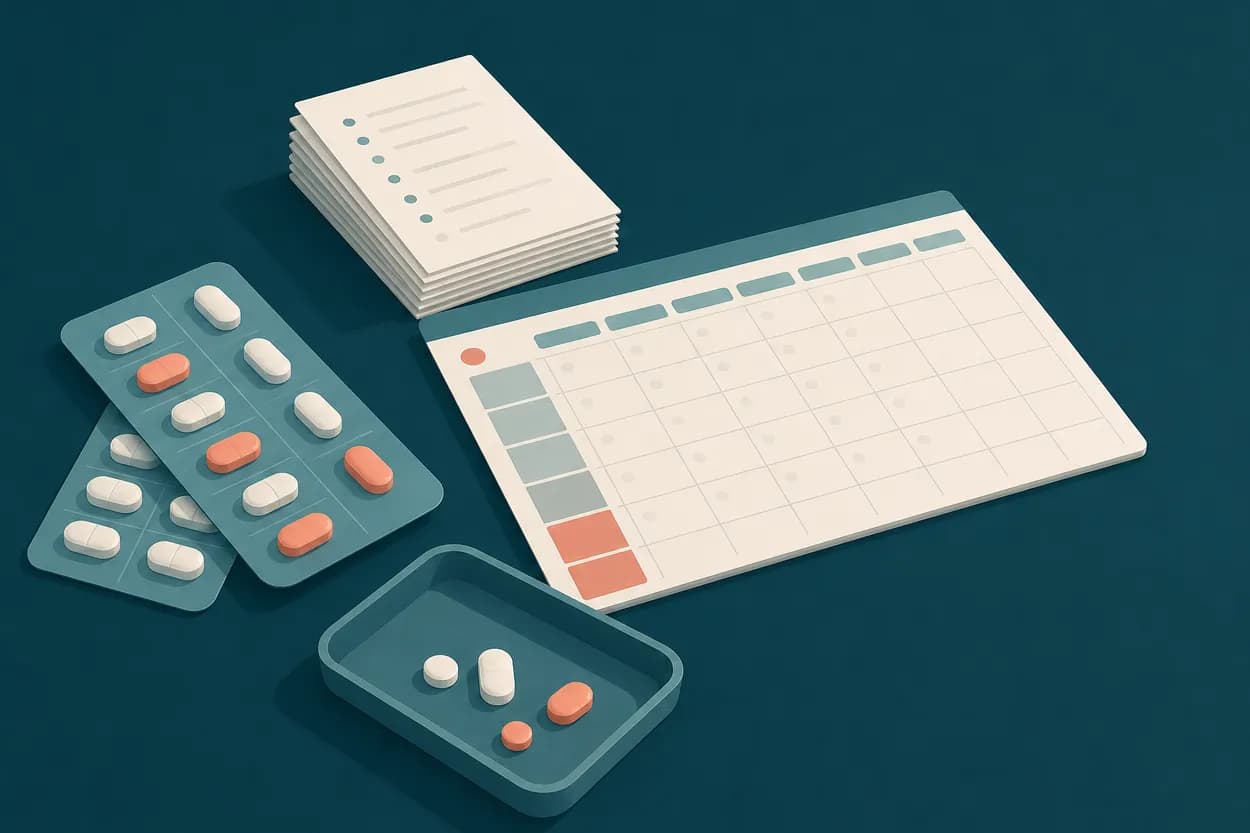
Printing
The paper comes out the way your paper already comes out.
The lists and the slips were rebuilt from the Word files the pharmacy printed every week — same fields, same order, same six-up sheet. Nobody has to learn a new piece of paper.
Three control lists
Weekly, bi-weekly, and the four-week list — the only one that filters by due date, because it is the only one that needs to.
Slips, six to a page
Header per pharmacy, signature line for whoever prepared the pack.
Generated from the database
Not a template someone edits by hand every month. Print a date range and it is the data as of that moment.
Excel back out
An .xlsx in the shape of the sheet you came from, in case you ever want it back.
Getting in
Your spreadsheet goes first, and it goes in whole.
Four steps: pick the file, map the columns, look at the preview, then commit. The preview writes nothing, and the whole batch can be undone in one click if the mapping was wrong.
Upload
The .xlsx you already keep. Sheets and headers as they are.
Map
Columns matched by name, and corrected by hand where the sheet drifted.
Preview
Every row, with the ones that will be skipped and why.
Commit
One batch, one undo. Nothing is written before this step.
Who’s in it
Logins for the people who work in it. Names for the people who pack.
Two different lists, on purpose. Invite a technician by email and they get their own login; the people whose names go on the slips are just names, and never needed an account.
Invitations by link
The owner invites, the invited person sets their own password. No shared login on a sticky note.
Two roles
Owner runs billing and the team. Members do the work. Nothing in between to configure.
Someone leaves
Deactivate the login and the packs they prepared keep their name on the record.
Pricing
14 days free. The card comes later, or not at all.
Sign up, import the spreadsheet, run a real week on it. Nothing is asked for up front, and if it isn’t doing the job you close the tab and nothing was charged.
One plan, monthly or yearly
Everything below is in it. There is no smaller tier that takes the printing away.
- Unlimited patients and cycles
- Every list and slip, and the Excel export
- Logins for the whole counter
- Import and undo, as often as you need
Billing runs on Stripe. Cancel from inside the app, any day of the month.
Before you ask
The four questions everyone asks first.
- Do I have to change how we pack?
- No. The intervals, the tags and the paper came out of a working pharmacy’s own documents, not from a product idea about how pharmacies should work.
- What happens to my spreadsheet?
- It goes in through the importer and stays yours. You can export the same shape back out whenever you want.
- Can two people use it at once?
- Yes. Each person gets their own login, and the record keeps who prepared what.
- What if we stop paying?
- The data stays. The screens lock behind the subscription screen until you start again — nothing is deleted for being late.